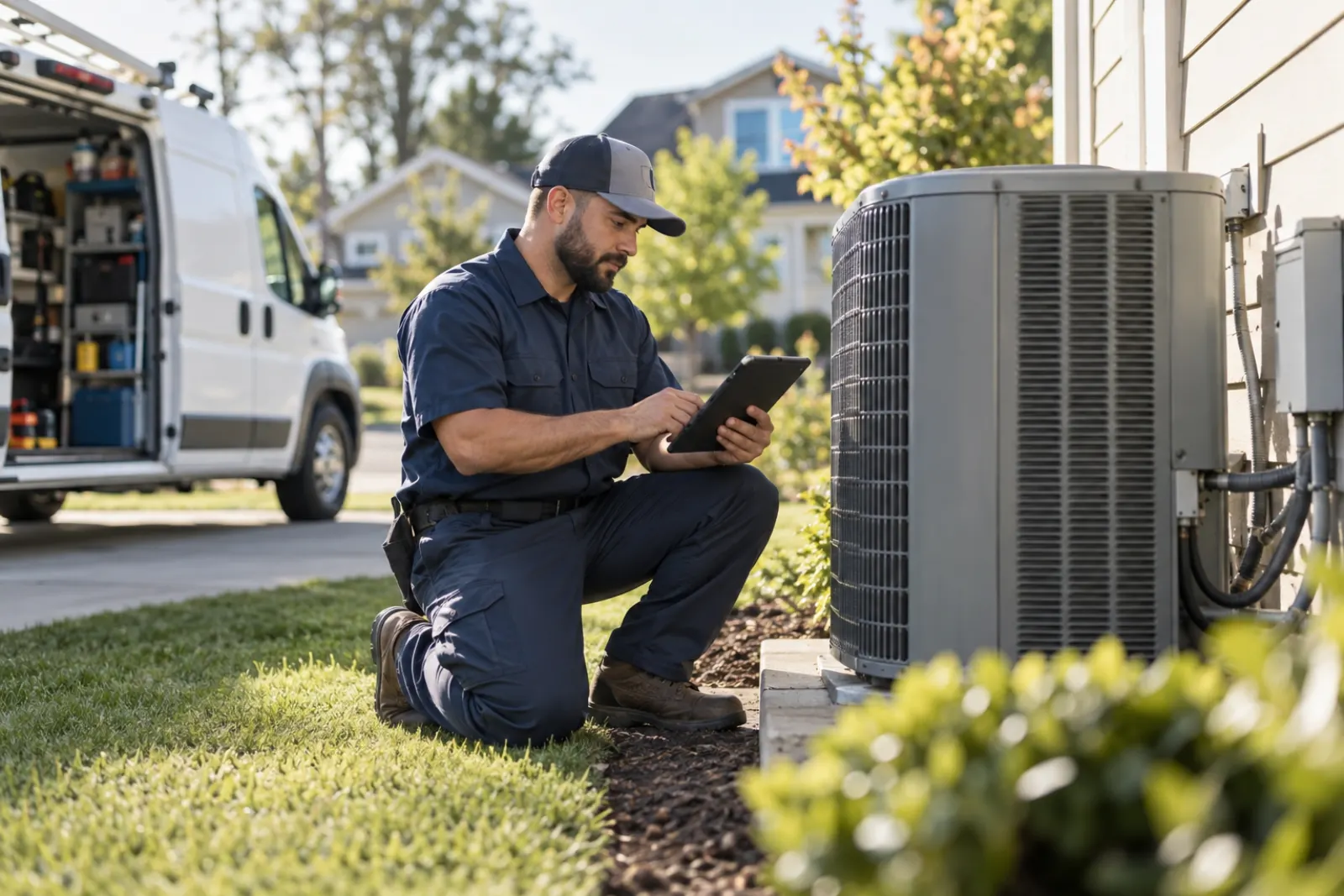
A technician job report app replaces paper tickets and photo texts with one phone form per job: a checklist for the work type, required before and after photos, parts used, notes, and the customer's sign-off, all saved to the job the moment the technician taps complete. You can build one without coding by describing the job types, checklist items and required photos in plain words, then testing it with a few technicians on real jobs before the whole crew.
Every field service company has the same paper problem. A technician finishes a job, scribbles on a carbon ticket, takes a few photos on a personal phone, and maybe texts one or two of them to the office. A week later the customer calls about the work, and nobody can find the photo, the ticket is half legible, and the technician does not remember which unit it was.
A technician job report app ends that. Every job gets one report, filled out on the phone, with the right checklist, required photos, and a customer sign-off, all saved to the job record. This guide covers what the app should capture, how to describe it in plain words so an AI platform can build it, and how to get your crew to use it every time.
What paper tickets and photo texts cost you
The cost of informal job reporting rarely shows up as one big loss. It leaks out slowly.
- Disputes you cannot win. When a customer says the unit was already damaged, or the work was never done, you need a time-stamped photo attached to that job. A photo sitting in a technician's camera roll does not help.
- Invoices that wait on the technician. If parts used and hours on site live on a paper ticket, someone in the office has to read it, guess at the handwriting, and often call the technician to confirm. Invoices go out late, and late invoices get paid late.
- Missed steps. Without a checklist, the steps a good technician does by habit get skipped by a new one. The result is callbacks and return visits.
- Recommendations that vanish. A technician notices a cracked heat exchanger or a worn belt and mentions it to the homeowner. If it is not written down, nobody follows up, and that is future work your company never quotes.
- Lost paper. Tickets get wet, left in trucks, or thrown out. Whatever was on them is gone.
What the app should capture
Design the report around what the office does after the job: invoice it, answer questions about it, follow up on it, and learn from it.
The report header
These fields should fill in automatically from the job, so the technician does not type them:
- Job number, customer, service address and job type.
- Assigned technician and helper.
- Date, with arrival and finish times captured when the technician taps the buttons.
The checklist
Each job type gets its own checklist. A maintenance visit on a furnace has different steps than a water heater install or a commercial kitchen hood cleaning. For each item, decide:
- Is it a simple check (done or not done), a reading (a number with a unit), or a choice (pass, fail, not applicable)?
- Is it required before the report can be submitted?
- Does a fail require a photo and a note?
The rule "a fail requires a photo and a note" is one of the most valuable things you can add. It turns a checkbox into evidence.
Photos
Photos are the heart of the report. Be specific about what you require:
- Before photos of the work area, taken on arrival.
- After photos of the finished work.
- A photo of the equipment data plate or serial number, when there is one.
- A photo for every failed checklist item.
Required photos should block submission until they are attached. Each photo should be saved with the time and the job, so it can never be separated from the work it shows.
Parts, materials and time
Record parts used from a list of your common parts, with a quantity, plus a free-text line for anything unusual. Time on site comes from the arrival and finish taps. If your crew bills travel time or after-hours rates, include those fields too.
Findings and recommendations
Give the technician a clear place to record what they found and what they recommend, with a priority: urgent, soon, or next visit. These become your follow-up list.
Customer sign-off
At the end, the customer signs on the phone screen and the report records their name and the time. If the customer is not present, the technician marks that and takes a photo of the finished work instead.
Roles and what each person sees
| Role | What they do in the app | What they can change |
|---|---|---|
| Technician | Fills out reports for their own jobs | Their own reports until submitted, then add notes only |
| Office or billing | Reviews submitted reports and invoices from them | Marks reports as invoiced, adds office notes |
| Service manager | Reviews all reports, follows up on recommendations | Reopens a report for correction, edits checklists |
| Owner | Sees everything, including reports and trends | Everything, including who has access |
Notifications and follow-up
A few alerts make the report useful the minute it is submitted:
- The office is told when a report is submitted, so invoicing starts the same day.
- The service manager is told when any checklist item fails or a recommendation is marked urgent.
- A weekly list goes to sales or the service manager with every open recommendation, so someone quotes the work.
Reports the app should produce
- Reports submitted per technician per day, and how many were late.
- Failed checklist items by job type, which shows where training is needed.
- Open recommendations by priority and age.
- Average time from job complete to invoice sent.
- Callbacks within 30 days, linked back to the original report.
Paper ticket versus job report app
| What you need | Paper ticket and texted photos | Job report app |
|---|---|---|
| Proof of the work | Photos in a personal camera roll, if anyone kept them | Required photos attached to the job with a time stamp |
| Invoice details | Handwriting the office has to read and confirm | Parts and time in fields the office invoices from |
| Consistent work | Depends on each technician's habits | A checklist for every job type |
| Follow-up work | Mentioned to the customer and forgotten | Recommendations listed by priority every week |
| Finding it later | A box of tickets, sorted by hope | Search by customer, address, unit or date |
Example request
Example request: "Build a job report app for our plumbing and HVAC technicians. Each report belongs to a job and fills in the job number, customer, address, job type and technician automatically. Technicians tap arrived and finished to record times. Each job type has its own checklist: for furnace maintenance, items include filter checked, burners cleaned, flame sensor checked, gas pressure reading in inches of water column, and carbon monoxide reading in parts per million. Each item is done, pass or fail, or a number. A fail requires a photo and a note. Every report requires at least two before photos, two after photos, and a photo of the data plate. Technicians pick parts used from our parts list with quantities and can add an other line. They record findings and recommendations with a priority of urgent, soon or next visit. The customer signs on the phone at the end, or the technician marks customer not present. Once submitted, the technician can only add notes; the service manager can reopen it. The office is notified when a report is submitted. The service manager is notified when anything fails or is urgent. Every Monday, send the service manager a list of open recommendations. Roles are owner, service manager, office and technician. Only invited people can sign in."
That request is specific about what gets captured, what is required, who sees what, and what happens next. That is the level of detail that produces a tool your crew will trust.
How to roll it out
- Collect your current tickets. Pull twenty recent paper tickets and look for what is missing or unreadable. That list is the reason for the change, and it is what you will show the crew.
- Write checklists with your best technician. Pick the two or three most common job types and build checklists with the person whose work you trust most. Keep each one to what matters.
- Build and test it in the yard. Have a technician fill out a report on a real unit in your shop before anyone uses it on a customer job.
- Run it with three technicians for two weeks. Include your most skeptical person. Keep paper as a backup for the first week only.
- Fix what slows them down. Typical fixes: fewer required fields, a bigger photo button, a parts list sorted by what they use most.
- Switch everyone over. Set a date after which reports must be in the app to count, and stop printing tickets.
- Add job types one at a time. Once the first checklists are working, add the rest, each with input from the technicians who do that work.
Mistakes to avoid
- Copying the paper form exactly. Paper forms collect things that never get used. Ask what the office actually does with each field, and drop the ones nobody uses.
- Making everything required. If a technician cannot submit because of a field that does not apply, they will start entering junk. Required means truly required.
- No "not applicable." Some steps do not apply to some units. Without that option, you get false passes.
- Forgetting the office side. A beautiful technician form is wasted if the office still has to retype everything to invoice. Make sure the report holds what billing needs.
- Letting reports pile up. If technicians can submit reports at the end of the week, they will. Require the report before the job counts as complete.
How to measure that it works
Record a baseline before launch and check again after 30 and 90 days:
- Days from job complete to invoice sent.
- Customer disputes, and how many you resolved with a photo.
- Callbacks within 30 days.
- Recommendations recorded, and how many became quoted work.
- Phone calls from the office to technicians asking for job details.
Launch checklist
- Checklists exist for your most common job types and were written with technicians.
- Required photos and the "a fail needs a photo and a note" rule are in place.
- Parts list is loaded and sorted by how often each part is used.
- Customer sign-off and "customer not present" both work.
- Office can invoice from a submitted report without calling anyone.
- Notifications go to the office on submit and to the manager on fails and urgent items.
- A weekly open-recommendations list is set up.
- A date is set to stop printing paper tickets.
How FORGE handles it
On FORGE, your service manager describes the report in plain words, like the example above, and FORGE builds it. A panel of top AI models plans the app, a dedicated AI crew builds it, and every piece is checked for quality and security before it is saved, with the app checked at every step. Most teams have their first real tool the same day, and FORGE builds web, mobile and desktop apps, so technicians get a phone screen and the office gets a full one.
Every report and every photo stays inside your company. People join only by invite, each role sees what it should, and there is a complete record of who did what. Technicians who only fill out reports are free; you pay $49 a seat a month for the people who build, with 3 builds included. Changes, like adding a new checklist, cost a small fraction of a build. Our team onboards you ourselves, starting with a workflow workshop on your real jobs. Talk to us or browse more use cases.
Questions people ask
What should a technician job report include?
At minimum: the job and customer, arrival and finish times, a checklist for the type of work, before and after photos, parts and materials used, findings and recommendations, and the customer's sign-off. Anything the office needs to invoice or follow up belongs on the report.
Why not just have technicians text photos to the office?
Texted photos are not attached to the job, are hard to find later, and depend on someone in the office saving them. When a customer disputes the work months later, a photo attached to the job record with a time stamp is the one you can actually find.
How many checklist items is too many?
If a checklist takes longer to fill than the step it checks, it is too long. Keep each job type to the items you would act on if one were missed, usually ten to twenty, and make the critical ones required.
Should technicians be able to edit a report after it is submitted?
Usually not on their own. Let them add a note, and let a manager reopen a report when something needs correcting. That keeps the record trustworthy while still allowing fixes.
Can the job report feed invoicing?
Yes, if the report records parts used and time on site in consistent fields. The office can then invoice from the report instead of chasing the technician for details.
How do we get older technicians to use it?
Make the first screen very simple, test it with your most skeptical technician first, and fix what they complain about. When the app saves them a phone call or a trip back to the office, adoption follows.
See what FORGE builds for your team
We onboard every team ourselves, starting with the work that costs you the most time.
Talk to us