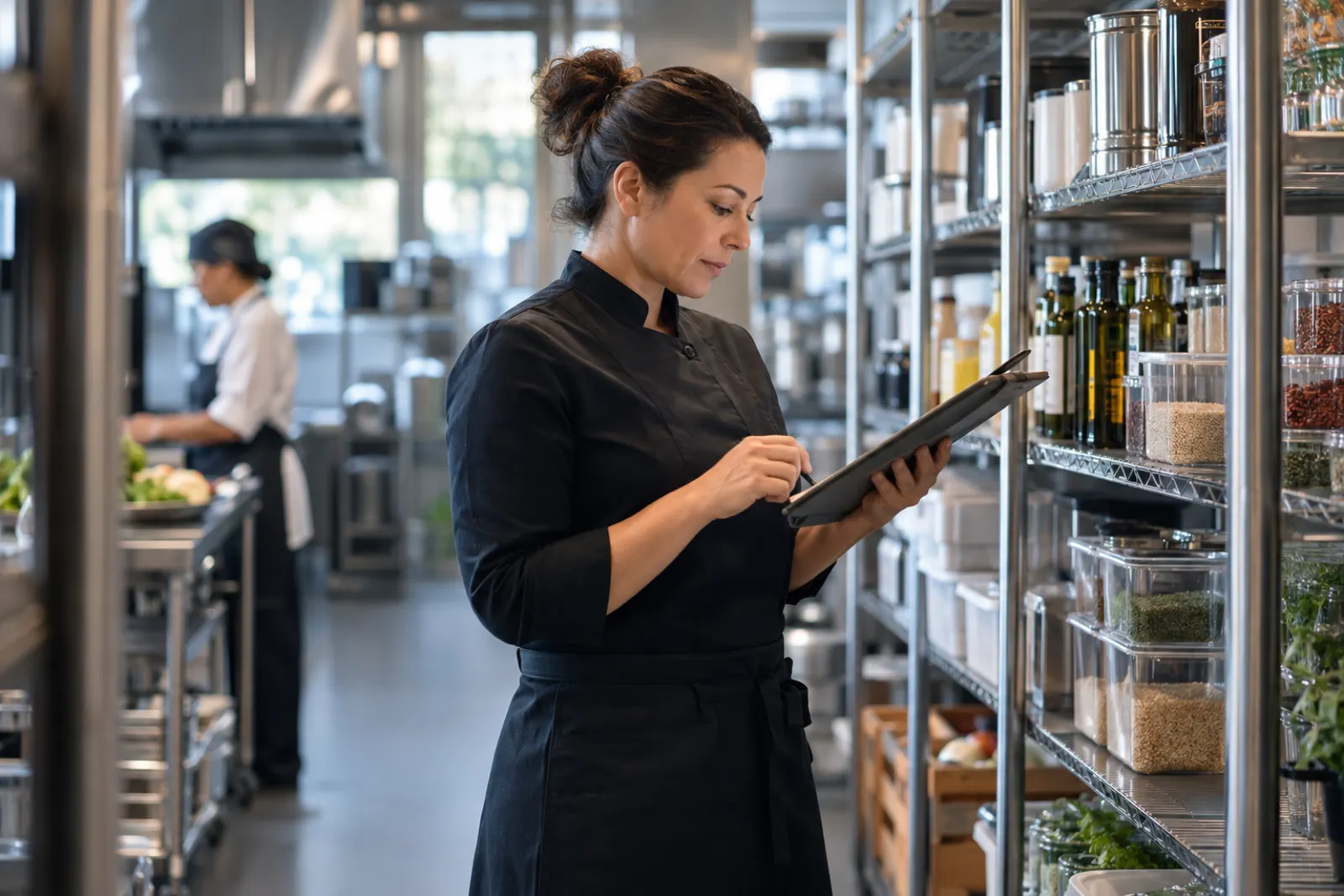
A restaurant line check and opening and closing checklist app puts every shift's checklist on a phone or tablet: temperatures with safe ranges, product quality, setup and breakdown steps, each with a time stamp, the name of who did it and photos where proof matters. Anything out of range requires a corrective action and alerts the manager on duty. You can build one without coding by describing your stations, checks, safe ranges and shift times in plain words, then running it with one shift first.
Every restaurant has a clipboard by the pass. It holds a temperature log, a line check sheet and an opening and closing checklist. On a good day, they get filled out. On a busy day, they get filled out later, from memory, in the same pen, with every number suspiciously perfect. Nobody reads them unless an inspector asks.
A line check and checklist app replaces the clipboard with a checklist on a phone or tablet that records real readings, the time of every entry, who did it, and photos where proof matters. When something is out of range, it requires a corrective action and tells the manager on duty right away. This guide covers what to include, how to describe it in plain words so an AI platform can build it, and how to get your team to do it right every shift.
Food safety rules vary by location. This guide describes common practice in general terms. Set your safe temperature ranges, logging requirements and record retention from your local food code, and confirm them with your health inspector or food safety advisor.
What the clipboard costs you
- Logs written after the fact. A paper log can be filled at any time, so it often is. That makes it useless as evidence that food was actually checked.
- Problems found but not fixed. A cook writes down a cooler reading that is too warm and goes back to work. Nobody acts, because nobody saw the sheet.
- Inconsistent closing. One closer does everything, another skips the hood filters. The opener finds out the next morning.
- No pattern. A reach-in that runs warm every Friday night is a repair call waiting to happen, but a stack of paper will never show it.
- Lost history. When an inspector or a guest complaint asks what happened on a specific day, the sheet from that day is in a box, or the trash.
- No accountability. Initials on a sheet are hard to read and easy to fake.
What the app should contain
Checklists by shift and station
Build separate checklists for each moment in the day:
- Opening: equipment on and up to temperature, deliveries checked in, coolers and freezers read, sanitizer set up, stations stocked, dining room ready.
- Pre-service line check: every station, every held item.
- Mid-service check: temperatures on held items, often every few hours depending on your local requirements.
- Closing: food labeled, dated and stored, cooling logged, equipment cleaned and off, floors and drains, trash, doors locked, cash secured.
Within each checklist, group items by station so each person owns a short list: grill, sauté, fry, garde manger, dish, bar, front of house.
Item types
Each item is one of these, and the type determines what the cook has to enter:
- Reading: a temperature or other number, with a safe range. Out-of-range readings require a corrective action.
- Pass or fail: for quality checks such as taste, look and portion. A fail requires a note.
- Done: for simple tasks such as "hood filters soaking."
- Photo required: for steps where proof matters, such as the walk-in after closing or the labeled cooling rack.
Corrective actions
When a reading is out of range or a check fails, the app asks what was done, from a short list plus a note:
- Reheated or re-chilled, with a new reading.
- Discarded, with quantity, which also feeds your waste log.
- Moved to another unit.
- Called for repair.
- Manager notified.
The follow-up reading matters. A corrective action that says "re-chilled" should ask for a new reading after a set time.
Cooling logs
Cooling cooked food safely is one of the checks inspectors focus on. A cooling log records the item, start time and temperature, and readings at the intervals your local code requires, with an alert if a reading is missed or out of range.
Sign-off
Each checklist ends with the person responsible signing off, and the manager on duty reviewing. The manager can spot-check items and add notes.
Roles
| Role | What they do | What they can change |
|---|---|---|
| Cook or closer | Completes their station's checklist items | Their entries during the shift |
| Shift lead or sous chef | Completes and reviews checklists for the shift | Adds notes, completes missed items with reason |
| Manager on duty | Reviews and signs off each checklist, handles alerts | Reopens a checklist with a note |
| Chef or general manager | Edits checklists, safe ranges and schedules | Everything at the location |
| Owner | Sees all locations and history | Everything |
Notifications
- Any out-of-range reading alerts the manager on duty immediately, with the item, reading and station.
- A checklist not completed by its deadline alerts the shift lead, then the manager.
- A missed cooling log reading alerts the person who started it and the manager.
- The chef gets a daily summary: completed checklists, out-of-range readings and corrective actions.
- The owner gets a weekly summary across locations.
Reports
- Checklist completion rate by shift, station and location.
- Out-of-range readings by unit, which shows equipment that needs service.
- Corrective actions by type.
- Average time of completion versus deadline, which shows when checklists are being rushed.
- A day view that shows every check for a given date, ready for an inspector.
Clipboard versus checklist app
| What you need | Clipboard | Checklist app |
|---|---|---|
| Proof a check happened | Initials, written at any time | Name and time stamp on every entry |
| Action on a bad reading | Depends on someone reading the sheet | Corrective action required, manager alerted |
| Consistent closing | Depends on the closer | Same station list every night, with photos on key steps |
| Equipment trends | Invisible in a stack of paper | Out-of-range readings by unit, week over week |
| Inspector questions | A search through boxes | A day view for any date |
A note on more than one location
If you run several locations, keep one master checklist and let each location adjust stations and safe ranges where its equipment or local code differs. The owner then compares completion and out-of-range readings across locations on the same terms.
Example request
Example request: "Build a line check and opening and closing checklist app for our restaurant. We have grill, sauté, fry, cold station, dish and bar. Checklists: opening (due 10:30 am), pre-service line check (due 4:30 pm), mid-service temperature check (due 7:30 pm), and closing (due at close). Each checklist is grouped by station. Each item is a reading with a safe range we set, pass or fail with a note on fail, done, or photo required. An out-of-range reading or fail requires a corrective action from a list (reheated, re-chilled, discarded with quantity, moved, called for repair, manager notified) and a note; re-heated or re-chilled items ask for a new reading after 30 minutes. Add a cooling log with item, start time and readings at the intervals we set, with an alert if a reading is missed or out of range. Each checklist records who did each item and when, and ends with the person signing off and the manager on duty reviewing. Alert the manager on duty immediately on any out-of-range reading. Alert the shift lead if a checklist is late, then the manager 15 minutes later. Send the chef a daily summary and the owner a weekly summary. Show a day view with every check for a chosen date. Roles are owner, chef, manager, shift lead and cook. Only invited staff can sign in."
How to roll it out
- Collect your current sheets. Gather a week of paper logs and checklists. Note which items are always blank, always perfect, or never used.
- Set safe ranges from your local code. Confirm temperatures and logging intervals with your health inspector or food safety advisor.
- Write station lists with the cooks. Ask each station lead what actually needs checking. Remove what nobody does and add what is missing.
- Put a device where the work happens. A tablet at the pass and phones for station leads. If the checklist is in the office, it will be filled from the office.
- Start with the pre-service line check for two weeks. It is the highest-value check and builds the habit.
- Add opening, closing and cooling logs. Once line checks are consistent, bring in the rest.
- Make the manager review visible. When the manager signs off and spot-checks, the team knows the checklist is read.
- Review weekly. Look at out-of-range readings by unit and late checklists by shift, and fix causes.
Mistakes to avoid
- Checkmarks for temperatures. A checkmark proves nothing. Require the actual reading.
- No corrective action. Recording a bad reading without recording what was done is worse than no record.
- Checklists that cannot be finished. A forty-item closing list for one closer at midnight will be faked. Split it by station.
- Photos for everything. Photos are powerful when they are for the few things that matter. Require them for three or four items, not thirty.
- Alerts to the wrong person. Alerts must go to the manager on duty, not the owner's phone at home at 9 pm, unless something serious happens.
- Never updating the checklist. Menus change. When a new item goes on the line, it goes on the line check.
How to measure that it works
- Checklist completion on time, by shift.
- Out-of-range readings caught and corrected, and repeat issues by unit.
- Food discarded for temperature reasons.
- Opening problems caused by closing gaps.
- Time to show an inspector the logs for a given day.
Launch checklist
- Safe ranges and logging intervals are confirmed for your location.
- Checklists are split by shift and station.
- Temperatures require readings, not checkmarks.
- Out-of-range readings require a corrective action and a follow-up reading.
- A few key items require photos.
- Devices are at the stations.
- Alerts go to the manager on duty.
- The day view works for an inspection.
How FORGE handles it
On FORGE, your chef or general manager describes the checklists in plain words, like the example above, and FORGE builds the app. A panel of top AI models plans it, a dedicated AI crew builds it, and every piece is checked for quality and security before it is saved, with the app checked at every step. Most teams have their first real tool the same day, on tablets and phones in the kitchen and a computer in the office.
Every reading and photo stays inside your company. People join only by invite, each role sees what it should, and there is a complete record of who did what, which is exactly what makes a log trustworthy. Cooks and closers who only use the checklists are free; builders are $49 a seat a month with 3 builds included, and updating a checklist when the menu changes costs a small fraction of a build. We onboard every team ourselves, starting with a workflow workshop. Talk to us or browse use cases.
Questions people ask
What is a line check?
A line check is a walk of every station before service, and often again during and after, to confirm food is held at safe temperatures, product looks and tastes right, portions and setup are correct, and the station is stocked. It is the chef's last chance to catch a problem before guests do.
What temperatures should a line check record?
Hot holding, cold holding, cooling and cooking temperatures for the items your local health code covers. Safe ranges vary by jurisdiction, so set yours from your local food code and confirm with your health inspector or food safety advisor.
What is a corrective action?
It is what the team did when a check failed: reheated, discarded, moved to a working cooler, called for repair. Recording it shows the problem was handled, not just noticed.
Do inspectors accept digital logs?
Many jurisdictions do, but requirements vary. Ask your local health department what they expect to see and for how long records must be kept, and make sure your app can show them easily.
How do we stop people from checking boxes without looking?
Require readings instead of checkmarks for temperatures, require photos for the steps that matter most, record the time of each entry, and have the manager spot-check a few items each shift.
How long should a closing checklist be?
Long enough to cover what matters for safety, security and the next morning's opening, and short enough to finish in the time the team actually has. Group items by station so each person owns a short list.
See what FORGE builds for your team
We onboard every team ourselves, starting with the work that costs you the most time.
Talk to us